Over the past few months we’ve looked at dozenso f small tech companies that are introducing new AI features, to see how they show what can be done with those features. Some show videos proving AI features very effectively. Others have good material that isn’t getting seen. Here are a few things we noticed.
Dashboards aren’t new, but what’s behind them is
New AI features are typically introduced with a screenshot displaying a dashboard. That’s credible, but everyone has already seen more than enough dashboards. It’s the AI behind the dashboard that is much more interesting: the workflow, guardrails, decision points, audit trail, and the points where a human steps in.
Video is good at showing the steps and components that help a viewer imagine how something would fit into their own environment.
Domino Data Lab’s demo hub does a nice job organizing a library of down-to-earth demos. Here’s one on what’s behind a dashboard (the UI tour starts about 50 seconds in).
Showing a “gotcha!” moment
Showing a blocked attack, a bot outsmarted, an instruction rejected: these are the moments a buyer remembers. This segment from a short QuilrAI demo is a good example.
But for the majority of solutions we reviewed, the action sequences where decisions are made aren’t seen until a viewer gets pretty far into long demos or webinars, often 30 minutes or more in. That isn’t a criticism of webinars. Viewers signed up expecting a thorough presentation. Wherever it’s placed, the demo is a change from talking heads and PowerPoint. It demands attention, showing what the product actually does.
That being the case, it’s hard to understand why more companies aren’t adapting these segments for sales outreach. Usually all that is needed is to add just enough context to show the viewer who the user is, why they are monitoring the situation, and what they will do next.
Pre-trial preview
Flare’s guided tours let a buyer click through their platform. The buyer becomes the human in the loop and sees what they could do with the solution, and why it might be worth the trouble of setting up a free trial. A click-through isn’t video, but the idea is the same: show what’s happening from the user’s seat.
What the human in the loop does
Whatever the technical logic, the business value of software comes down to what people can accomplish with it. Seeing someone do something is a big reason anyone watches video.
We saw some good examples in our small survey. But we saw a lot more opportunities to bring the human in the loop front and center in short videos that focus on single moments that are easy to share.
Point us to a buried moment
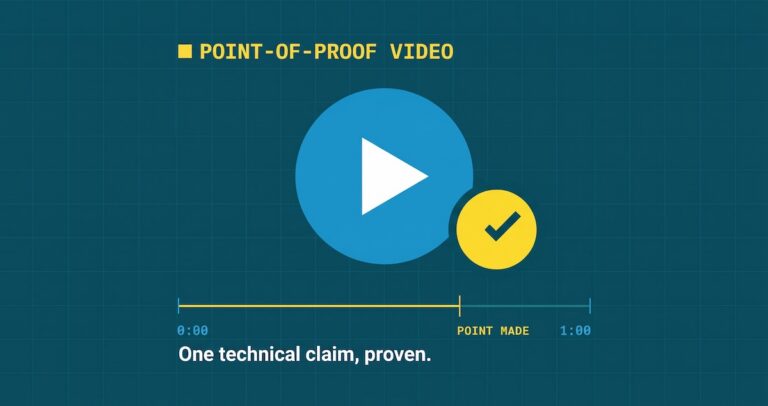
We’re piloting a short video format for this, called Point-of-Proof video. Under 60 seconds, with no music, no narration, and no sales pitch. Just the one moment worth watching, built from material you already have.
Here’s how the pilot works. Point us to the webinar, demo, or doc where the good part is buried: what’s behind a dashboard, a hook that’s buried in a webinar, what the person in the loop actually does. We send back a free written treatment showing how it could work as a short video, no obligation. If it looks right, we build storyboards and a finished video at cost.
The video on our Point-of-Proof page is one we made to show our approach. It isn’t a client video or a template. Yours would be built around your own technical logic.
No call is required to get started. Just tell us where the moment is buried.
BTW. None of the companies mentioned here are clients of ours. We just like what they’re doing with video.